
10 Best AuthoredUp Alternatives For LinkedIn Growth


When you scroll through your LinkedIn feed, do you ever wish your posts would garner as much attention as some of the ones you see? What do they have that you don't? You're not alone if you've asked yourself how to go viral on LinkedIn. Many users want to know the secret of getting their posts to reach hundreds or even thousands of people. If you're one of these users, you're in luck! This article will help you get on the right track to achieving your goals, like finding the best AuthoredUp alternatives for LinkedIn growth.
One promising alternative is Bluecast’s AI content tool for LinkedIn. This tool can help you achieve your objectives by generating posts so you can focus on engaging with your audience instead of stressing about what to say to get noticed.
10 Best AuthoredUp Alternatives for LinkedIn Growth
1. Bluecast: The AI Content Tool for LinkedIn

Bluecast empowers B2B professionals to amplify their LinkedIn presence through AI-powered content creation and management, helping them grow their audience and drive revenue without the typical content creation bottlenecks.
Whether you're repurposing existing content from various formats or crafting original posts that match successful writing styles, Bluecast's AI content tool for LinkedIn streamlines the entire process from ideation to scheduling. Perfect for marketers, founders, and agencies looking to maintain a consistent, engaging LinkedIn presence that delivers business results.
Get started with a 7-day free trial today. No credit card is required.
2. AuthoredUp: Smooth Post Editing and Analytics
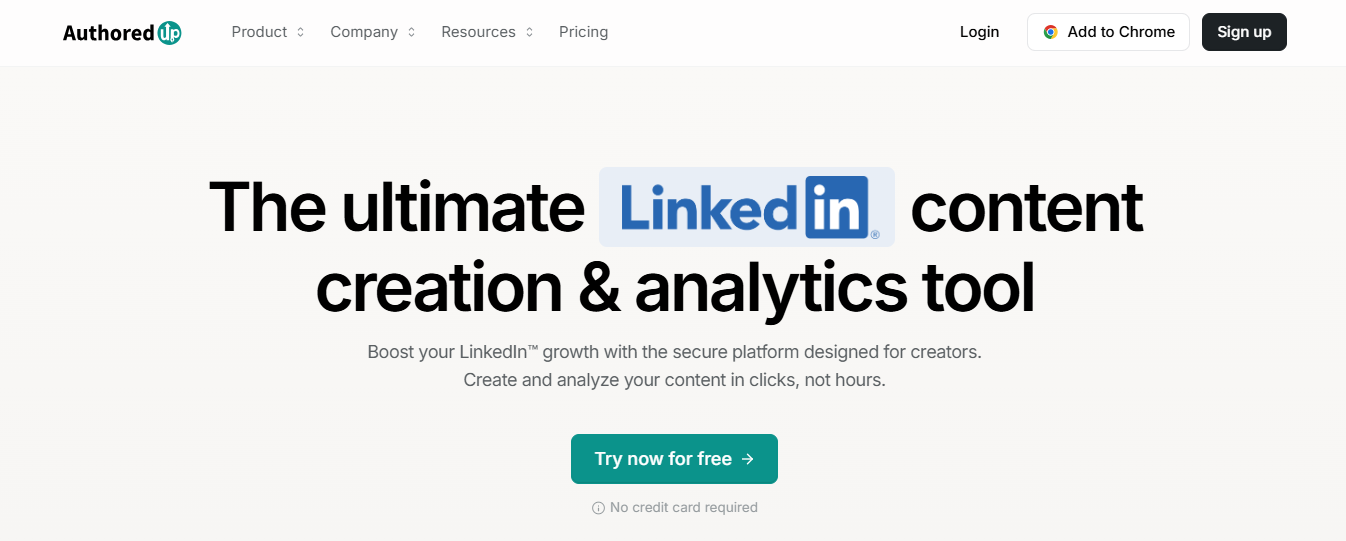
If you have a side hustle or a different career and want to use LinkedIn to boost your presence, then AuthoredUp was designed with you in mind.
Annual plans start at $16.63, and with it, you can:
- Get a Chrome extension: Manage your posts from anywhere on LinkedIn.
- Edit, format, and save your posts: Use AuthoredUp's content creation studio for a seamless editing experience.
- Build a content calendar: View your scheduled LinkedIn posts in a calendar format.
- Track your results: Monitor your engagement metrics directly from their dashboard.
Remember that it currently does not offer an AI content generator. This feature is listed on AuthoredUp's roadmap for the future.
3. PerfectPost: Intuitive Post Editor
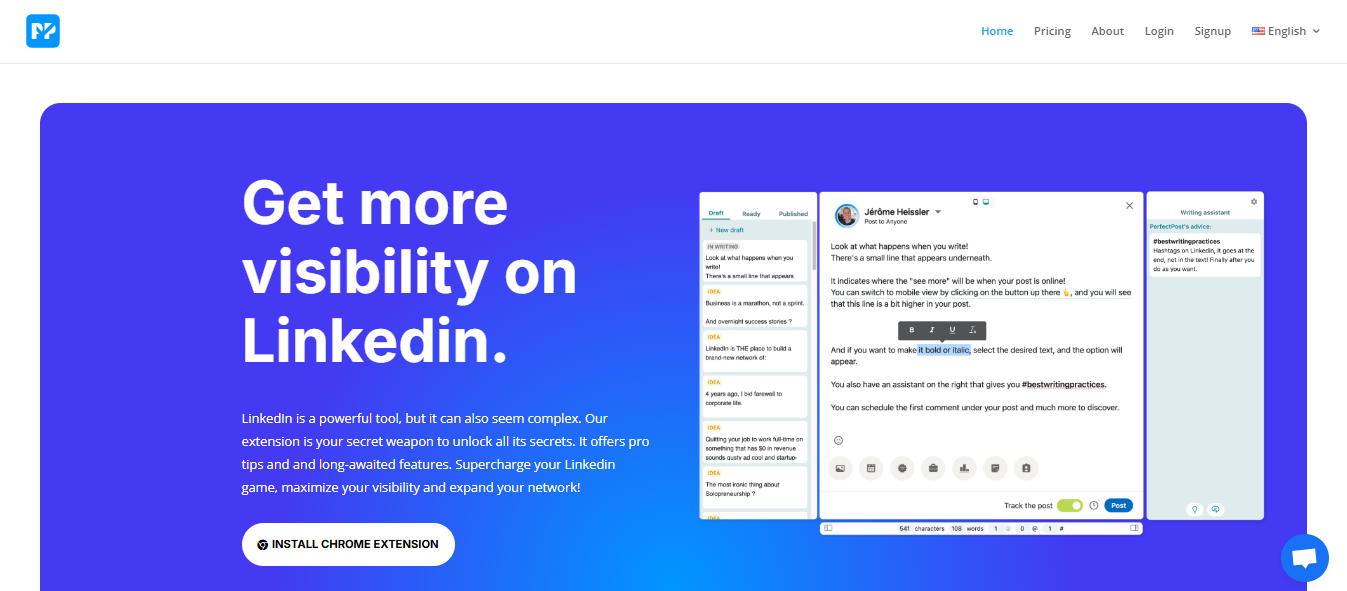
Through its Chrome extension and SaaS website, PerfectPost offers a sleek LinkedIn post editor designed to help you optimize each publication in real time.
Their pricing starts with a free plan, and with it, you can:
- Use a LinkedIn post editor: Easily tailor and refine your posts.
- Enjoy team collaboration: Work seamlessly with your colleagues to enhance your content.
- View analytics from the past 14 days: Track the performance of your posts over the last two weeks.
LinkedIn Post Editor with Scheduling & Collaboration
It offers key advantages that can make a real difference, like the ability to format and preview posts before publishing. You can schedule posts with videos, images, PDFs, and polls and even plan the first comment.
They do not currently offer a generative AI feature. One downside is that, as it is a Chrome extension, there might be risks involved since LinkedIn doesn’t allow extensions, which can lead to account suspension or blocking.
4. EasyGen
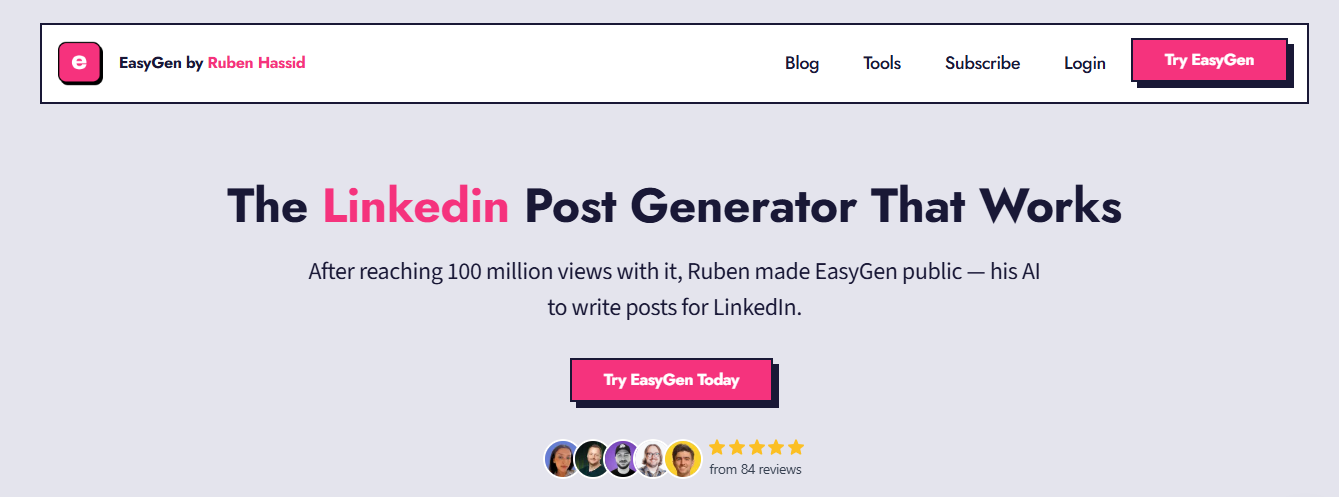
In third place is EasyGen, the AI tool that’s currently trending. Created by Rubén Hassid, it has quickly gained attention; we even have an entire article dedicated to it.
Like the previous tools, EasyGen is a Chrome extension that allows you to quickly generate professional LinkedIn posts in a variety of tones rapidly. It’s incredibly intuitive, enabling you to create posts in seconds with multiple variations.
AI Tool for LinkedIn with Profile & Top Voice Features
In addition, it offers some standout features:
- LinkedIn Profile Generator: Helps you optimize your profile.
- LinkedIn Instant Top Voice: Generates responses designed to help you earn the prestigious "Top Voice" badge over time.
One downside of EasyGen, which makes it a newer but somewhat questionable alternative, is its starting price of $59.99 per month, making it more expensive. If you’re just starting on LinkedIn and haven’t yet developed your writing style, this can feel relatively costly, especially since the free trial is very short.
5. Kleo
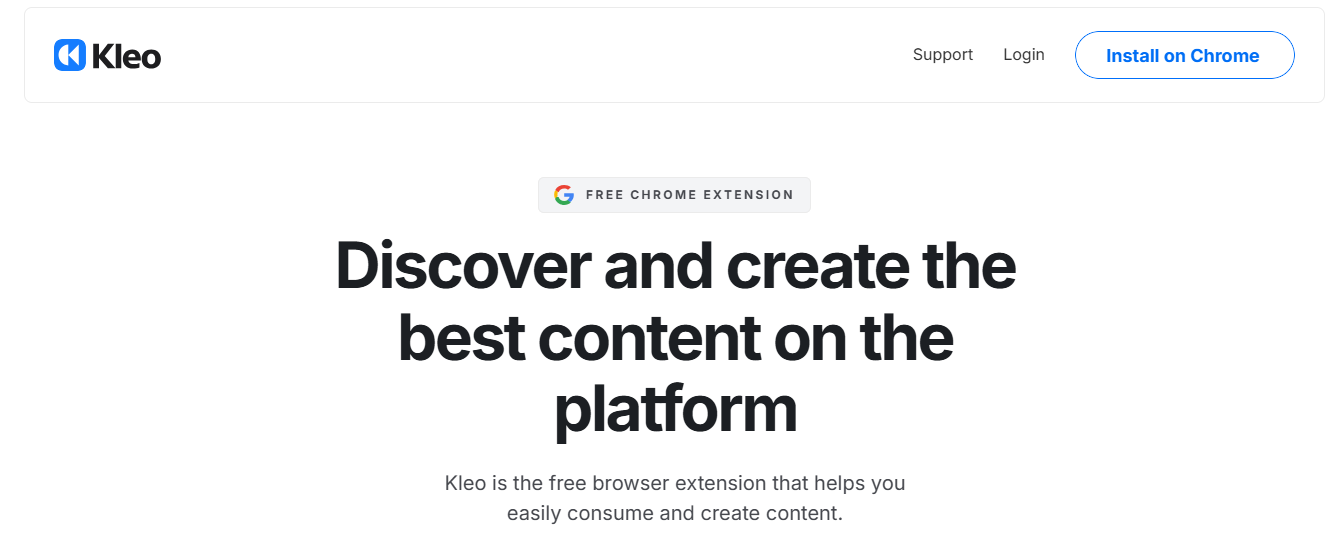
Another alternative tool, created by content creator Jake Ward, is Kleo, which is frequently seen and recommended on LinkedIn. Kleo is designed to help LinkedIn users analyze posts, identify trends, and format content effectively. It focuses on streamlining the content organization and providing inspiration from top-performing posts.
Kleo lacks advanced analytics and AI content creation features, areas where tools like MagicPost or Postwise excel. This makes it a better fit for users focused on inspiration and refining their posting style rather than creating content from scratch.
Key features of Kleo:
- Content analysis: Analyze posts from other creators by filtering for likes, comments, formats, and even the oldest or most engaging posts.
- Post editing tools: Format your LinkedIn posts with bold, italics, and other options for cleaner presentation.
- Preview feature: Preview posts to ensure they look polished and ready before publishing.
Since Kleo is free, it’s a great tool if you're mainly looking to find inspiration or refine your posting strategy.
Where It Falls Short
Suppose you're seeking a more comprehensive solution that combines AI content creation, advanced scheduling, and audience engagement tools.
In that case, Kleo must be paired with platforms like MagicPost or Postwise to fill in the gaps. These tools provide tone optimization, hook generation, and viral post suggestions tailored to LinkedIn.
6. RedactAI

Another tool that positions itself as specialized for LinkedIn content creators is RedactAI. It simplifies LinkedIn content creation by focusing on generating content and brainstorming ideas.
Some of the standout features include:
- Content generation options: When creating content, RedactAI provides three options, allowing you to pick the one that best fits your needs.
- AI-powered assistance: It includes an AI feature that helps you write posts, ensuring your content is engaging and tailored to your style.
- Customizable writing style: You can select a style that aligns with your voice and tone.
- Incorporate multimedia: RedactAI allows you to include YouTube videos and blog articles in your posts, enhancing your content's versatility.
Pricing:
- €18.90 per month: For 8 posts per month.
- €34.90 per month: For unlimited post-generation.
This may be limiting, and you'll need to upgrade for more flexibility.
Limitations: RedactAI lacks key features such as content scheduling, analytics, and in-app editing capabilities, which may limit its usefulness for some users.
7. SocialSonic
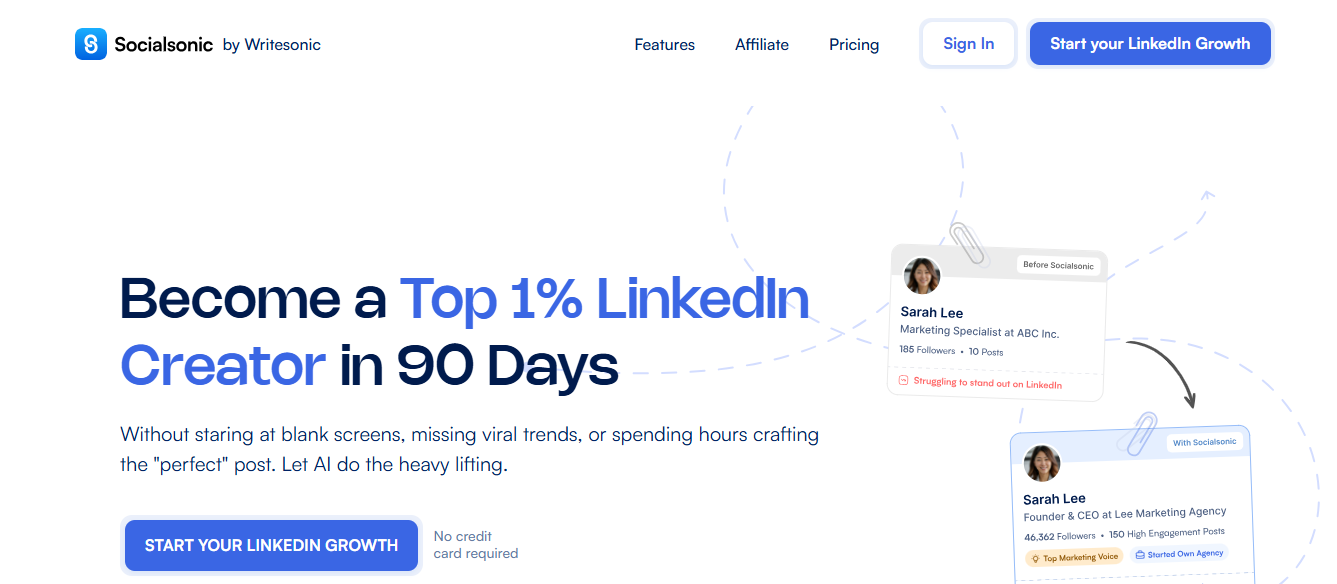
Next in the lineup of alternatives designed to enhance your LinkedIn profile and presence is SocialSonic. This tool elevates your LinkedIn presence, blending AI-powered content creation with audience engagement features.
With SocialSonic, you can:
- Create tailored LinkedIn content: Generate ideas based on your niche and preferred tone of voice.
- Schedule posts effortlessly: Publish or schedule your posts directly from the app.
- Engage with your audience: Use AI to craft thoughtful comments and interact with posts, though I’d recommend using this sparingly to maintain authenticity.
One of its standout features is its ability to suggest engaging content topics that align with your expertise. Additionally, its built-in tools help optimize your content for LinkedIn formatting and visibility.
Pricing:
- $20 per month: Ideal for freelancers or solopreneurs.
- $75 per month: Team plans available, offering an affordable option for small groups to share the tool's benefits.
While SocialSonic offers a range of valuable features, relying heavily on AI-generated comments may reduce the personal touch that LinkedIn users value.
8. Supergrow
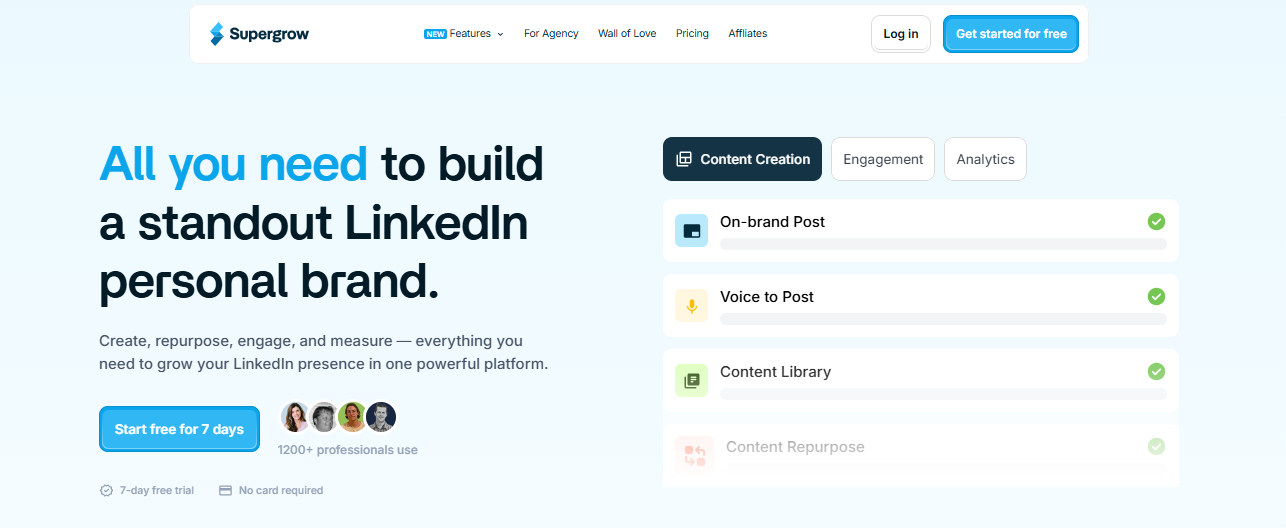
Supergrow is a LinkedIn content creation app that uses AI to help you generate posts, schedule them, create carousels, and curate engagement feeds, making it easier to build your branding.
Standout features:
- AI-powered content generation: Generate posts from scratch or based on a book, article, or recent discovery. While useful, this feature may sometimes generalize content too much, and the format might not fully align with LinkedIn's expectations, as posts are generated quickly.
- Readability score: Displays how well your post is structured and whether it's easy to read, providing valuable feedback before publishing.
- Carousel templates: A significant advantage is allowing you to generate templates quickly without needing design skills.
- Engagement curation: Cleans up your feed by ensuring generated posts are the most relevant and aligned with your audience's preferences.
Pricing:
- $19 to $99 per month: Based on the number of words generated rather than the number of posts.
- 7-day free trial: Full access, no credit card required.
While Supergrow is quickly catching up to Taplio and is one of the few platforms that allows you to create carousels, its pricing model may be limiting for some users, as it is based on words generated rather than the number of posts.
9. Hootsuite
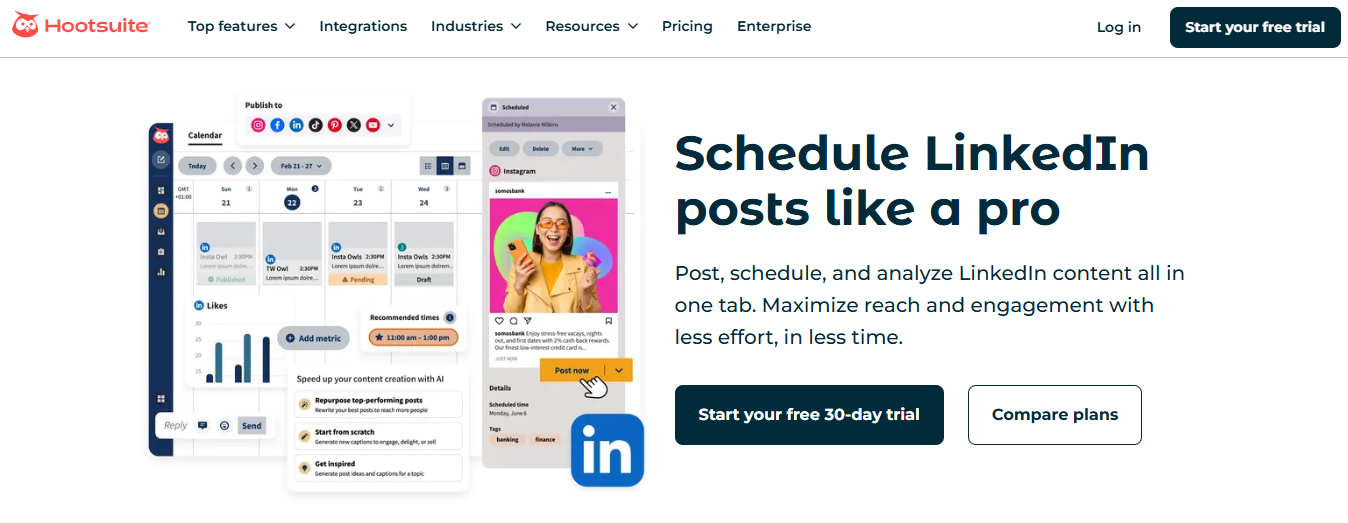
When it comes to alternatives, we can’t overlook Hootsuite. This tool has been around for a long time as a go-to social media management platform, including support for LinkedIn.
Hootsuite remains a robust and comprehensive tool designed to handle all types of social media. This broad focus may lose some specificity for LinkedIn users.
Key features:
- Comprehensive social media management: Manage all your networks, schedule posts, and organize your editorial calendar within the platform.
- Content publishing: Post directly from Hootsuite to your social media accounts.
- Social listening: Identify emerging trends and gain insights into your brand or audience.
Strengths & Limitations
Hootsuite is an all-in-one social media management platform that allows you to schedule posts, analyze performance, create content, and conduct market research. Its versatility is a double-edged sword. While it offers many features, its content creation tools are not as fine-tuned for LinkedIn, as it aims to generalize content for all social networks.
Pricing Consideration
Despite its advantages, Hootsuite’s major drawback is its high cost, making it more suitable for agencies and larger businesses than individual users.
10. Buffer
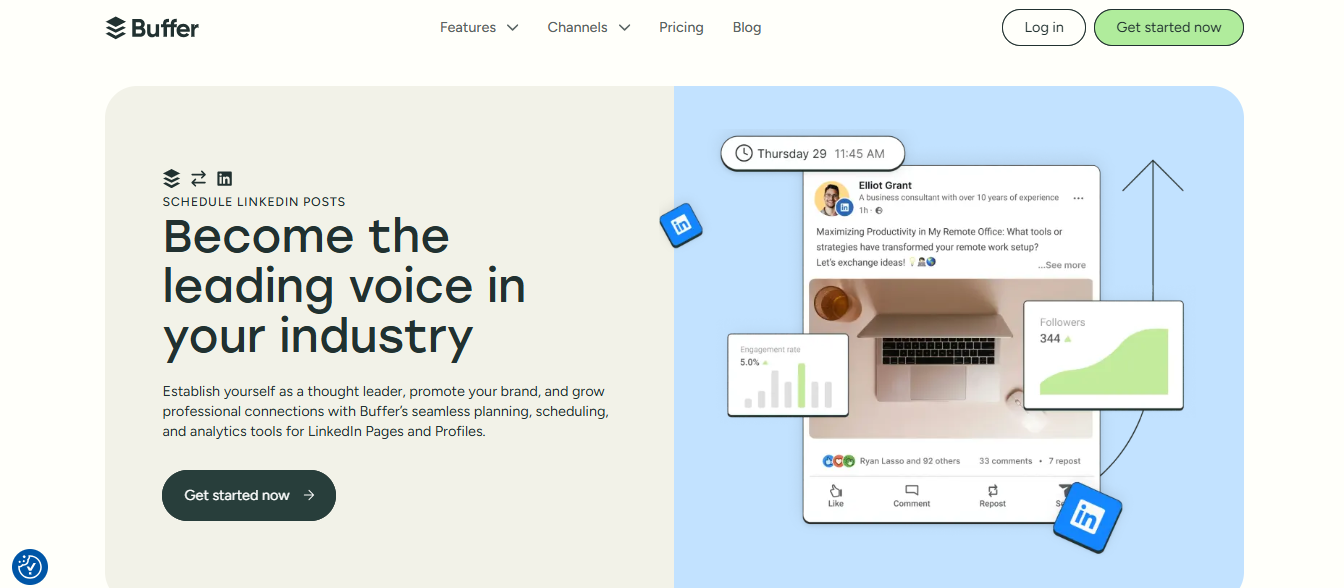
Buffer is a comprehensive tool that allows you to schedule all your content on one site.
It's not designed explicitly for LinkedIn, it’s built for all social media networks.
Standout features:
- Content creation & idea bank: Organize ideas into different categories, preventing the need to switch between platforms. Once ready, schedule posts directly within the tool.
- AI-assisted captions: Write captions with AI, though it's generalized and not explicitly tailored for LinkedIn, so results may not always fit perfectly.
- Mood board & gallery view: Maintain visual consistency for your brand across all social media networks.
- Multi-platform post creation: Create posts, reels, and stories for social media accounts.
- Advanced LinkedIn metrics: Offers more detailed insights than LinkedIn’s built-in analytics.
Pricing & Plans
One advantage of Buffer is its free plan, which allows you to schedule up to 10 posts per social media account, an excellent option for testing before committing. The first paid plan starts at $6 monthly, making it affordable.
Buffer’s strength lies in content organization, making it ideal for managing multiple social accounts efficiently. Its AI and scheduling tools are not LinkedIn-specific so some features may require adjustments for optimal use.
Related Reading
Choosing the Best AuthoredUp Alternative

Your LinkedIn posts should sound like you. Some tools let you customize your tone and style, while others offer structured templates to help you get started. If personal branding is a priority, choose a platform that lets you fine-tune your messaging rather than forcing a generic approach.
What's Your Budget?
Not all tools are priced the same. Some, like AuthoredUp, come with a premium cost, while others are more budget-friendly. Ask yourself: Do you need all the advanced features, or can a more straightforward, affordable option do the job? Balancing cost with functionality ensures you're not overpaying for features you won’t use.
Track Your Progress: Analytics and Metrics
If you want to improve your LinkedIn strategy, insights matter. Some tools, like Bluecast, offer analytics beyond vanity metrics, helping you understand what works and what doesn't. The best tools should provide actionable insights—not just numbers—to refine your content approach.
What Special Features Do You Need?
Need to create carousels, videos, or polls? Some platforms specialize in different types of content, so make sure the tool you choose aligns with your content strategy. If post visibility tracking or AI-driven content suggestions are a priority, check which platform offers those.
Stay Consistent: Posting Schedules
Consistency is key on LinkedIn. A good scheduling tool should help you plan and automate posts, ensuring you stay visible without the stress of daily posting. Look for one that makes it easy to batch content and schedule posts at optimal times.
The best AuthoredUp alternative depends on your value—customization, affordability, insights, or automation. Exploring tools like Bluecast or Buffer can help you find the right fit for your workflow. The key is to choose a tool that works for you and enhances your content game without adding unnecessary complexity.
Boost Your LinkedIn Presence with Bluecast's AI Content Tool
Bluecast empowers B2B professionals to amplify their LinkedIn presence through AI-powered content creation and management, helping them grow their audience and drive revenue without the typical content creation bottlenecks.
Whether you're repurposing existing content from various formats or crafting original posts that match successful writing styles, Bluecast's AI content tool for LinkedIn streamlines the entire process from ideation to scheduling. Perfect for marketers, founders, and agencies looking to maintain a consistent, engaging LinkedIn presence that delivers business results.
Get started with a 7-day free trial today. No credit card is required.
Benefits of Using LinkedIn Growth Tools
Automating LinkedIn content creation and engagement processes can save you time and effort. Manually brainstorming, writing, and posting on LinkedIn can take hours.
Growth tools eliminate much of this work so you can focus on strategy instead of spending all your time writing LinkedIn posts. This helps you maintain a consistent presence on LinkedIn with minimal effort.
Increase Your LinkedIn Engagement and Reach
LinkedIn growth tools can boost your post performance so you receive more engagement and expand your reach. Many tools use AI-driven recommendations to optimize content before publishing.
These suggestions include covering relevant topics, improving your post structure, and identifying the best times to publish so you can reach more people organically.
Improve Content Consistency and Brand Voice
LinkedIn growth tools can help you improve your content consistency and brand voice. Building a strong presence on LinkedIn takes time, and you must post regularly to see results.
Growth tools make planning and scheduling content in advance easy, so you stay visible without last-minute content struggles. Some platforms even allow you to create content libraries to repurpose high-performing posts effortlessly.
Enhance LinkedIn Analytics and Tracking Performance
LinkedIn analytics can help you grow your reach and engagement effectively. To do this, you must understand what works and what doesn’t. LinkedIn growth tools provide in-depth analytics on post engagement, audience demographics, and content performance.
These insights help refine your strategy and improve future content based on data-driven decisions.
Streamline the Content Creation Process
LinkedIn growth tools simplify the entire content creation process. From idea generation to publishing, these platforms can help at every step.
Whether you need AI-assisted writing, post formatting help, or automated engagement tracking, LinkedIn growth platforms reduce the friction of maintaining an active and impactful presence.
Related Reading
- How Often Should You Post on LinkedIn
- LinkedIn Personal Branding
- LinkedIn Trends
- What Is a Good Number of Impressions on LinkedIn
5 Best Tips for Using LinkedIn Growth Tools

1. Customize Content to Match Your Brand Voice
When using LinkedIn growth tools, many offer AI-generated content and templates that can help you brainstorm ideas and create posts. While this can speed up the content creation process, it’s essential to personalize your posts to reflect your authentic voice.
Avoid generic, robotic-sounding posts by tweaking the wording, adding personal insights, and ensuring your content aligns with your brand’s tone and messaging.
2. Leverage Scheduling for Consistency
Consistency is key to LinkedIn growth, but posting manually every day can be overwhelming. Use scheduling features in your LinkedIn growth tool to plan posts, ensuring a steady content stream without daily effort.
Aim for a frequency that keeps you visible but doesn’t overwhelm your audience—2-4 times per week is often ideal.
3. Use Data-Driven Insights to Improve Performance
Most LinkedIn growth tools provide engagement, reach, and audience demographics analytics. Don’t just glance at the numbers; use them to refine your strategy.
Identify which posts perform best, what topics resonate with your audience, and the best times to post. Adjust your approach accordingly to maximize results.
4. Engage with Your Network Beyond Posting
Growth tools can help with content, but real engagement happens in the comments and DMs. Set aside time to reply to comments, ask questions, and interact with your audience. Some tools highlight the best connections to engage with, so take advantage of these insights to build stronger relationships.
5. Experiment with Different Content Formats
LinkedIn rewards various content types, including:
- Text posts
- Carousels
- Images
- Polls
- Videos
Many growth tools offer features to create and optimize these formats, so don’t just stick to plain text posts. Test different formats to see what works best for your audience and keep your content fresh and engaging.
Related Reading
- How to Become a LinkedIn Influencer
- LinkedIn Post Templates
- Types of LinkedIn Posts
- How to Start a Newsletter on LinkedIn
Get Started with a 7-day Free Trial Today - No Credit Card Required
Bluecast uses AI to help B2B professionals improve their LinkedIn presence. The tool empowers users to repurpose, create, and manage LinkedIn content to grow their audience and drive revenue.
This LinkedIn content writing tool is perfect for marketers, founders, and agencies looking to maintain a consistent, engaging LinkedIn presence that delivers business results.